
Status Saver for Whatsapp
Tools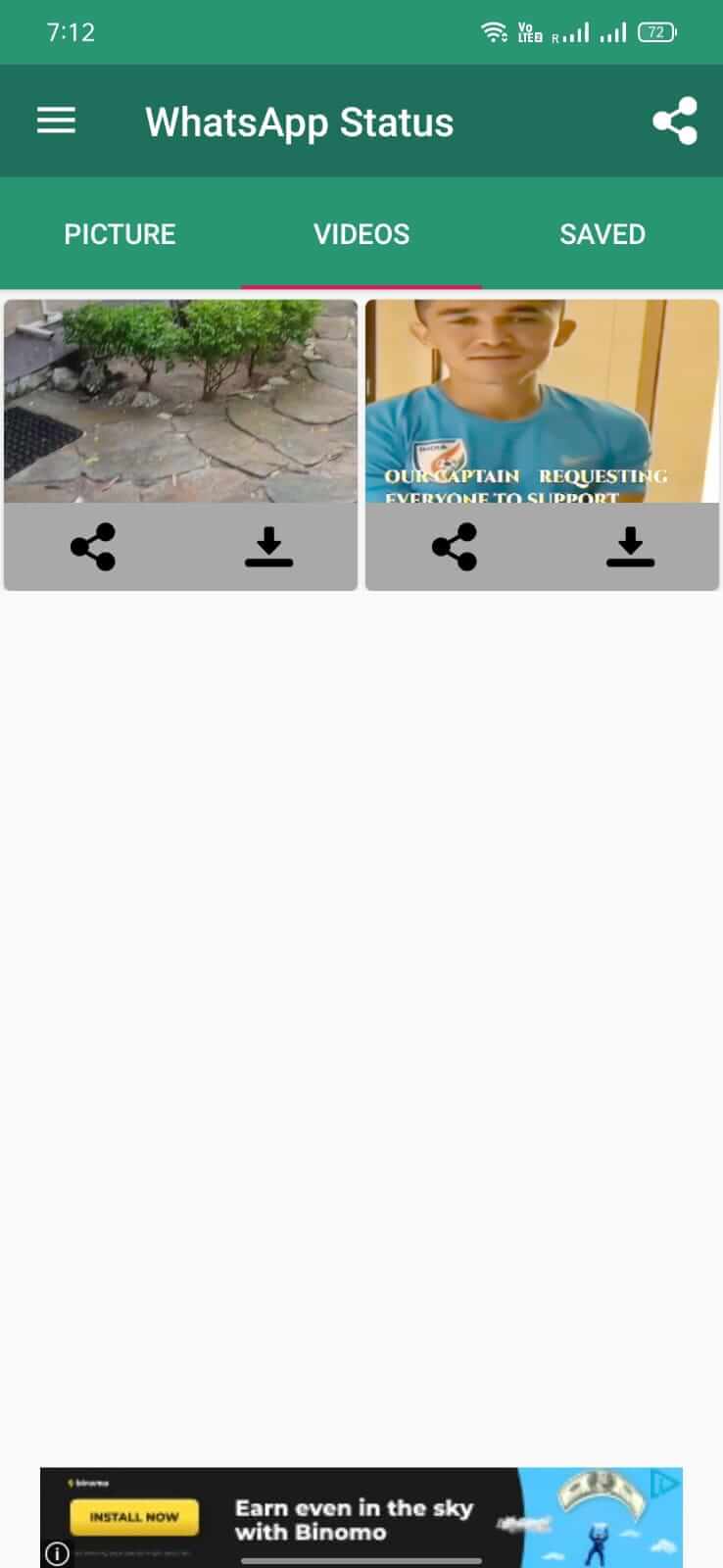
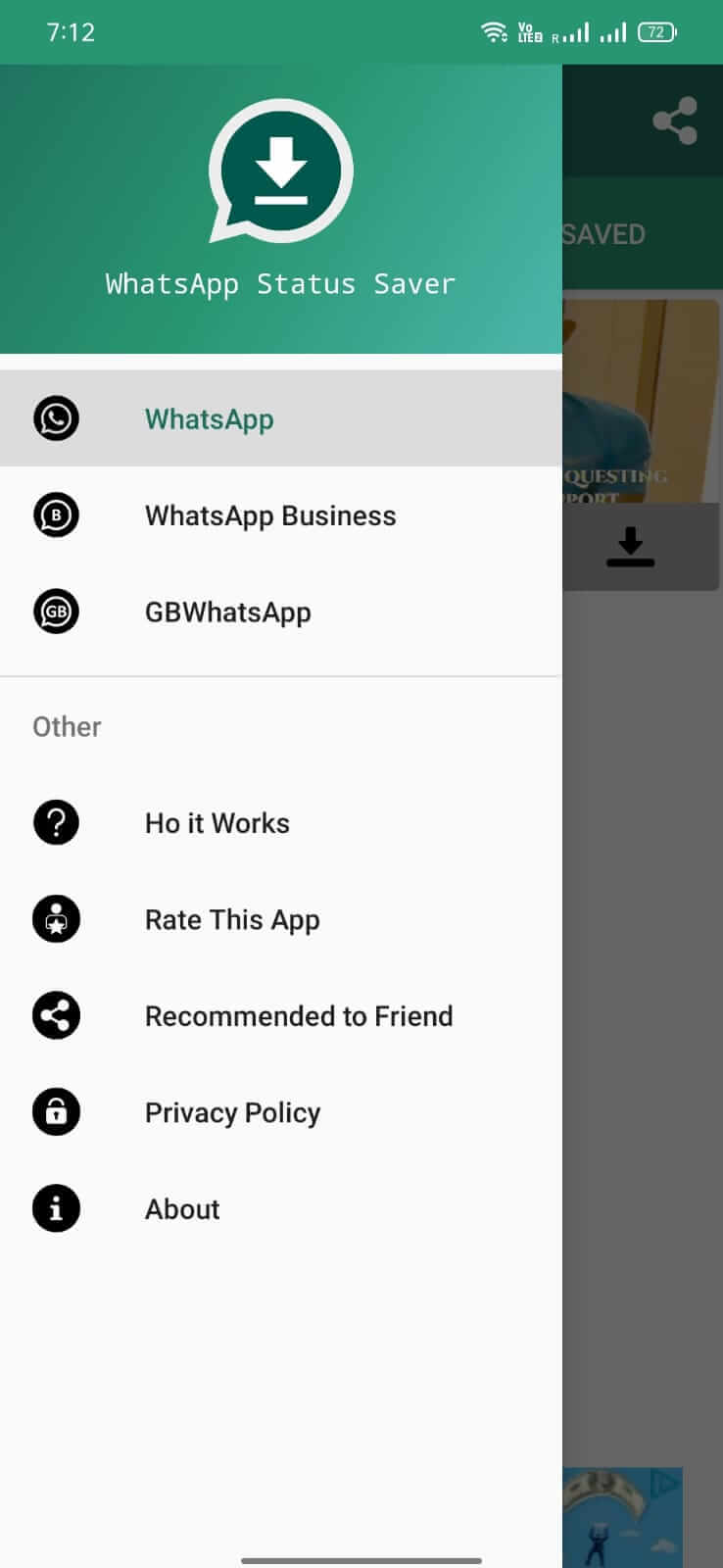


Status Saver for Whatsapp lets you keep a copy of the status updates shared by your contacts on WhatsApp. Instead of just viewing them, you can download videos and images to your phone for offline access.
This page provides a quick overview, installation steps, troubleshooting tips, and safety considerations for the latest 3.2.3 release.
Quick Information
| App/Game Name | Status Saver for Whatsapp |
| Latest Version | 3.2.3 |
| Developer | Not listed |
| Category | Apps / Tools |
| App Size | 5.41 MB |
| Package Name | netcom.statussaver.forwhatsapp |
| Last Updated | 1 October 2026 |
What Is Status Saver for Whatsapp?
The app acts as a companion to WhatsApp, scanning the status section and offering a simple save button for each item. It does not require root access and works alongside the official WhatsApp client. The core features include:
- Download status videos and images with one tap.
- Store saved media in a dedicated folder on your device.
- Auto‑refresh to capture new statuses as they appear.
It is intended for users who want to keep memorable moments shared by friends without needing third‑party screen recordings.
Compatibility
| Android Version | ✓ Verified — Android 5.0 and later |
| Architecture (ARM64 / 32-bit) | Not Verified |
| Internet Connection | ✓ Verified — May be required for ads, updates, or login |
| Storage Needed | Not Verified |
| OBB/Data Files | Not Verified |
| Root Required | Not Verified |
How to Install
- Enable Unknown sources in your device Settings → Security (or tap the prompt when you open the APK).
- Download the
netcom.statussaver.forwhatsappAPK file from a trusted source. - Open the downloaded file and follow the on‑screen prompts to install.
- Once installed, launch the app and grant the requested storage permission.
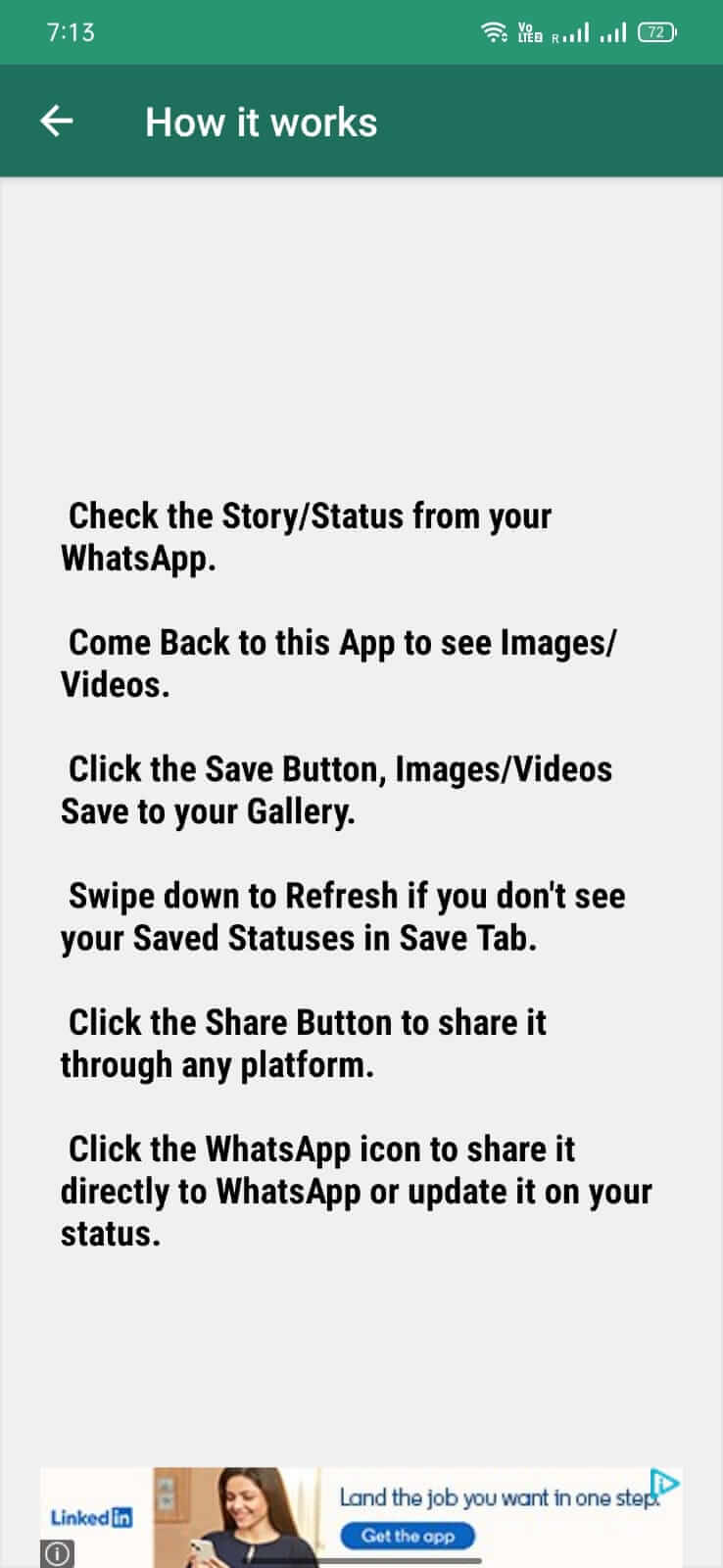
- Open WhatsApp, view a status, and you’ll see a save icon provided by Status Saver.
Troubleshooting
- App not installed: Ensure you have allowed installations from unknown sources and that the APK is fully downloaded.
- Crashes on startup: Clear the app cache (Settings → Apps → Status Saver → Storage → Clear Cache) and try again.
- Saved statuses do not appear: Verify that storage permission is granted; check the app’s default save folder in Settings.
- Login or online authentication issues: The app does not require a separate login; any problems are usually due to WhatsApp’s own restrictions.
Safety & Security
Because this is a third‑party APK, always download it from a reputable site and scan the file with an antivirus before installing. Review the permissions the app requests; it should only need access to storage and media. Keep in mind that future WhatsApp updates may affect the app’s ability to detect new statuses, and you may need to reinstall a newer version when it becomes available.
How Status Saver for Whatsapp Compares
| Feature | Status Saver for Whatsapp | Video Downloader for WhatsApp | Story Saver for WhatsApp |
|---|---|---|---|
| Price / Free model | Free with ads | Free with optional premium | Free with ads |
| Platform availability | Android only | Android only | Android only |
| Standout feature | One‑tap save directly from status view | Batch download of multiple videos | Supports both images and videos with preview |
| Best for | Users who want a simple, lightweight saver | Power users needing bulk downloads | Those who prefer a preview before saving |
Alternatives
- Video Downloader for WhatsApp – Focuses on downloading multiple videos quickly; includes a built‑in gallery.
- Story Saver for WhatsApp – Saves both images and videos, offering a preview screen before saving.
- WhatsApp Status Viewer – Lets you view statuses anonymously and provides a save option without extra permissions.
Final Verdict
Status Saver for Whatsapp is a lightweight, free tool that does exactly what its name promises: it lets you download WhatsApp status media with minimal hassle. It works on most Android devices, but because it’s a third‑party APK, you should verify the source and be prepared for occasional compatibility hiccups after WhatsApp updates. If you need bulk downloading or a richer preview experience, consider one of the alternatives listed above.
Frequently Asked Questions
The app itself is harmless, but download it from a reputable source and scan the APK with an antivirus before installing.
The current version is 3.2.3 and the file size is about 5.41 MB.
It works on Android 5.0 (Lollipop) and newer, though performance may vary on very old devices.
No root is required; the app only asks for storage permission to save downloaded statuses.
Make sure unknown sources are enabled, the APK is fully downloaded, and there’s enough free storage on your device.
Yes, you can install the APK over any existing copy; the installer will replace the previous version.
Older versions may be found on archive sites, but they might not work with the latest WhatsApp updates.
Usually it continues to work, but major WhatsApp changes can temporarily break status detection until a new app update is released.